Mobile menu
  • Solutions
    • Octopart Discover Go beyond part search to discover viable solutions, evaluate tradeoffs, and make better decisions earlier
    • Altium Develop Design advanced PCBs in Altium Designer, working independently or connecting reviewers, sourcing data, and release coordination when needed
    • Altium Agile Teams Bring structure to multidisciplinary electronics development and collaboration without sacrificing speed
    • Altium Agile Enterprise Connect context from intent through release with an intelligent, governed, extensible platform
  • Risorse e supporto
    Free Altium 365 Tools
    • Gerber Compare
    • Online PCB Viewer
    Risorse e assistenza
    • Learning Hub
    • Centro di assistenza
    • Documentazione
    • Webinar
    Altium Community
    • Forum
    • Bug Crunch
    • Idee
  • Formazione
    • Laboratorio studenti Free access to professional PCB design software, training, and learning resources for students
    • Centro docenti A comprehensive education platform providing curriculum, software, training, and classroom resources for educators
    • Curriculum Altium Education Free college- and university-level PCB design curriculum designed to prepare students for real-world engineering careers
    • Altium Professional Training Flexible on-demand and instructor-led training courses that help engineers build and advance their PCB design skills
  • Search Open
    Search Close
Accedi
MCAD CoDesigner

Main menu

  • Home
  • Cerca per argomento
    • Collaborazione
    • Creazione Componente
    • Gestione Dei Dati
    • Uscite di Progettazione
    • ECAD/MCAD
    • 高密度配線(HDI)設計
    • Connessione Design
    • Multi‑scheda
    • Layout PCB
    • Instradamento PCB
    • Catena PCB Fornitura
    • Integrità dell’alimentazione
    • Progettazione RF
    • Rigido-Flex
    • Cattura schematica
    • Signal Integrity
    • Simulazione / Analisi
  • Software
    • Develop
    • Discover
    • Agile
    • Altium 365
    • Altium Designer
  • Risorse
    • Programmi
    • Altium Academy
    • Engineering News
    • Guide
    • Newsletter
    • Podcast
    • Progetti
    • Corsi di formazione
    • Webinar
    • Libro bianco
Home MCAD CoDesigner

MCAD CoDesigner

Exchange data between Altium Designer and your mechanical CAD with a single mouse click.  Learn more about MCAD CoDesigner.

Mechanical Codesign Solutions MCAD CoDesigner Onboarding Guide Installing and Configuring MCAD CoDesigner
  • Overview
  • guide
  • Customer Stories
  • Tech Docs
  • All Content
Filter
trovato
Sort by
Software
Tipo di contenuto
Cancella filtri
Screenshot di MCAD CoDesigner MCAD CoDesigner: Guida introduttiva 2 min Guide Books Scopri come attivare il tuo Workspace Altium 365, installare e configurare CoDesigner e iniziare a utilizzare MCAD CoDesigner. Questa guida introduttiva fornisce collegamenti alla documentazione, alle best practice, a risorse aggiuntive e all’assistenza. Leggi Articolo
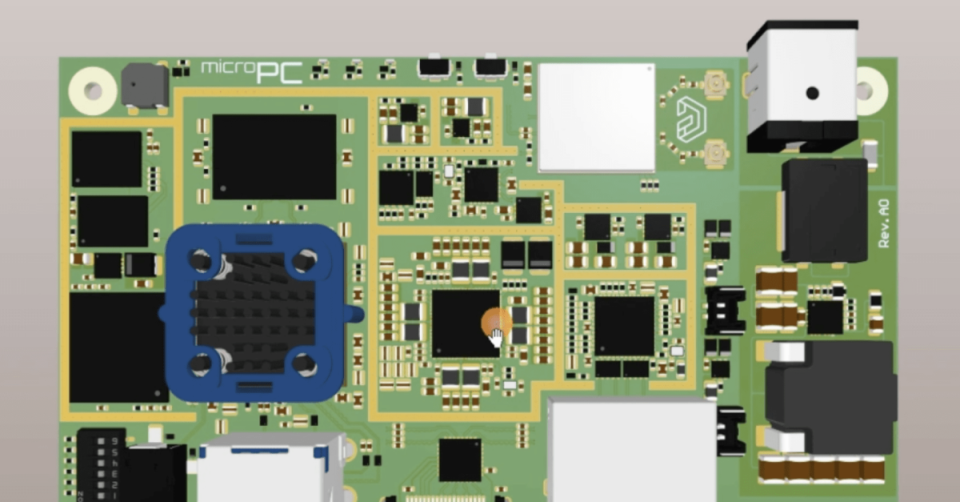
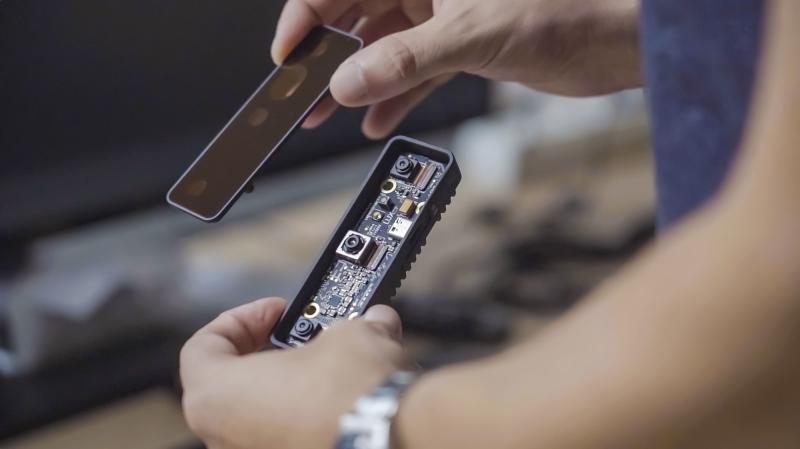
Customer Success Stories Luxonis With engineers spread across three continents, Altium 365 has been crucial in helping Luxonis reduce version control errors while speeding up time to market.

Pagination

Platform-based Solutions
  • Octopart Discover
  • Altium Develop
  • Altium Agile Teams
  • Altium Agile Enterprise
Tools
  • Altium Designer
  • Octopart
Soluzioni
  • Altium 365
Azienda
  • I nostri clienti
  • Trust Center
  • Sala stampa
Estensione del prodotto
  • PCB Layout and Design
  • Requirements Management
  • Electronics Data Management
  • IT Security
  • Electronics Manufacturing
  • Electronics Supply Chain
  • Engineering Management
Risorse e supporto
  • Monitoraggio
  • Downloads
  • Learning Hub
  • Centro di assistenza
  • Bug Crunch
  • Forum
  • Documentazione
  • Idee
  • Education
  • Professional Training / Certification
  • Webinar
  • Beta Program
Formazione
  • Laboratorio studenti
  • Centro docenti
  • Curriculum Altium Education
Careers
  • Career at Altium
  • Diritti D'autore e Marchio Registrato
  • informativa sulla privacy
  • Informativa sui Cookie
  • Termini di utilizzo
  • Note legali
© 2026 Altium Pty. Ltd.