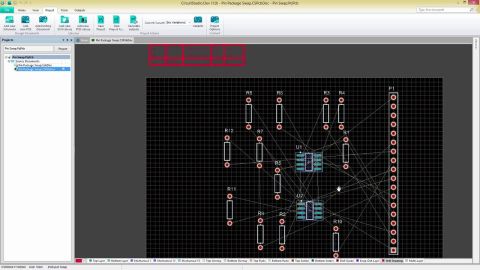
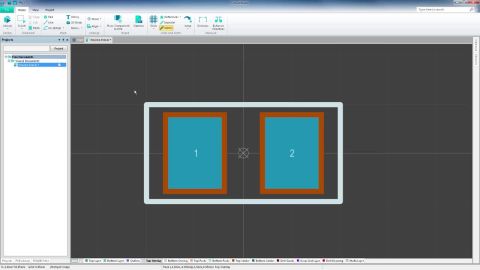
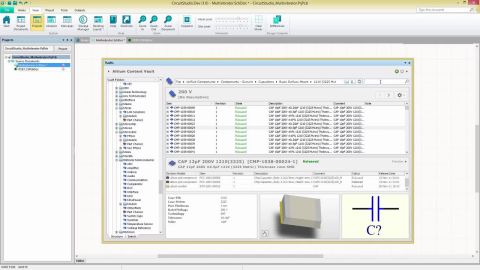
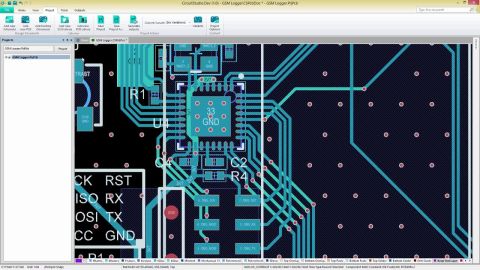
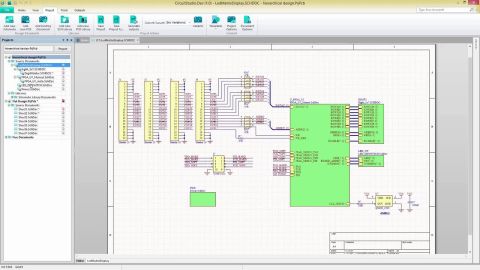

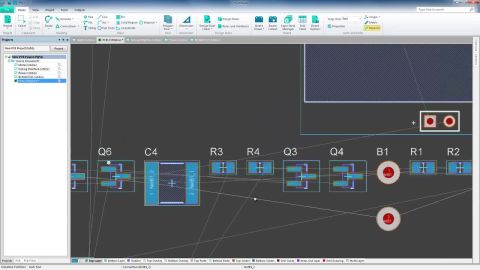

This video will cover to create a real, purchasable component with schematic symbol, PCB footprint and 3D model for your PCB design.
CircuitStudio® delivers a powerful design solution for those who create printed circuit boards on occasion, and require a professional-level tool at their fingertips with which to do so. With a streamlined interface built atop a powerful PCB design engine, CircuitStudio provides the tools necessary to capture and layout your boards, and produce the manufacturing data with which to turn your ideas…
CircuitStudio 1.5 Released: 24 May 2018 - Version: 1.5.1 (build 13) This CircuitStudio release continues to deliver new features as well as enhancements to the software's core technologies. Chief among these improvements for CircuitStudio 1.5 is support for creating 3D PDFs, which gives fabricators a much better understanding of your design intent. From CircuitStudio 1.4, you have the choice to…
When importing projects from EAGLE, it makes sense that you'd need your EAGLE Library as well. With CircuitStudio 1.4, designers can easily 'add' those libraries for use with imported files. As with other libraries, an EAGLE Library can be selected for addition to your installed libraries, through the Installed tab of the Available Libraries dialog (accessed by clicking the Libraries button at…
CircuitStudio 1.4 introduces the ability to add Net Classes to PCB designs. This feature allows designers to manage names and primitive memberships when creating a new, or editing an existing net class. Classes are a way of gathering design primitives in a logical manner, and are often priceless when used to target their member objects through specific design rule scoping. Net Classes are now…
Polygon rankings were previously lost when importing Eagle files to CircuitStudio. With the CircuitStudio 1.4 update, Bring to Front and Send to Back commands have been added for additional control over the priority of polygons, to ensure that overlapping polygons are filled properly. To access these commands, simply open the Polygon Actions right-click menu.
Support for Polygon Classes has been added to the GUI to enable CircuitStudio to handle polygon-related rules within files imported from Eagle. This feature also allows designers to manage names and primitive memberships when creating a new, or editing an existing polygon class. Classes are a way of gathering design primitives in a logical manner, and are often priceless when used to target their…
Added support for hierarchical schematics to Eagle Importer Hierarchical schematics can now be imported into CircuitStudio using the Eagle Importer, allowing designers to better integrate imported designs. The use of schematic hierarchy also allows for more easily reusing design pieces. Top/Bottom Overlay Improvements When importing Eagle files to PCB, some designs have multiple layers added to…
CircuitStudio 1.3 delivers a fresh new Home/Start page, providing a clean, streamlined, and intuitive new-look, along with updates to key pages including the My Account page. Home Page The CircuitStudio Start page, opened by when you first install the software, provides a central location from which to access many common system tasks and system configuration options. The page is designed to offer…
Learn More