Mobile menu
  • Solutions
    • Octopart Discover Go beyond part search to discover viable solutions, evaluate tradeoffs, and make better decisions earlier
    • Altium Develop Design advanced PCBs in Altium Designer, working independently or connecting reviewers, sourcing data, and release coordination when needed
    • Altium Agile Teams Bring structure to multidisciplinary electronics development and collaboration without sacrificing speed
    • Altium Agile Enterprise Connect context from intent through release with an intelligent, governed, extensible platform
  • Resources & Support
    Free Altium 365 Tools
    • Gerber Compare
    • Online PCB Viewer
    Resources & Support
    • Learning Hub
    • Support Center
    • Documentation
    • Webinars
    Altium Community
    • Forum
    • Bug Crunch
    • Ideas
  • Education & Training
    • Student Lab Free access to professional PCB design software, training, and learning resources for students
    • Educator Center A comprehensive education platform providing curriculum, software, training, and classroom resources for educators
    • Altium Education Curriculum Free college- and university-level PCB design curriculum designed to prepare students for real-world engineering careers
    • Altium Professional Training Flexible on-demand and instructor-led training courses that help engineers build and advance their PCB design skills
  • Search Open
    Search Close
Sign In
Agile Teams

Main menu

  • Home
  • PCB Design
    • Collaboration
    • Component Creation
    • Data Management
    • Design Outputs
    • ECAD/MCAD
    • HDI Design
    • High Speed Design
    • Multi-Board
    • PCB Layout
    • PCB Routing
    • PCB Supply Chain
    • Power Integrity
    • RF Design
    • Rigid Flex
    • Schematic Capture
    • Signal Integrity
    • Simulation
  • Software
    • Develop
    • Discover
    • Agile
    • Altium 365
    • Altium Designer
  • Education
    • Programs
    • Altium Academy
    • Engineering News
    • Guide Books
    • Newsletters
    • Podcasts
    • Projects
    • Training Courses
    • Webinars
    • Whitepapers
Learning Hub Agile Teams AI Agents for Engineering Requirements

AI Agents for Engineering Requirements

Agentic Requirements Engineering just shipped. Learn how to use AI agents to accelerate your requirements workflows.

Good requirements keep the whole team aligned, trace directly to design decisions, and make verification straightforward. Most engineers know this, but the tools available have always made it harder than it should be.

Agentic Requirements Engineering, our newest capability in Requirements Portal, removes this bottleneck. In this webinar you get an exclusive first look at how AI agents work inside Requirements Portal and see what that means for your requirements workflows in practice.

What You'll Learn

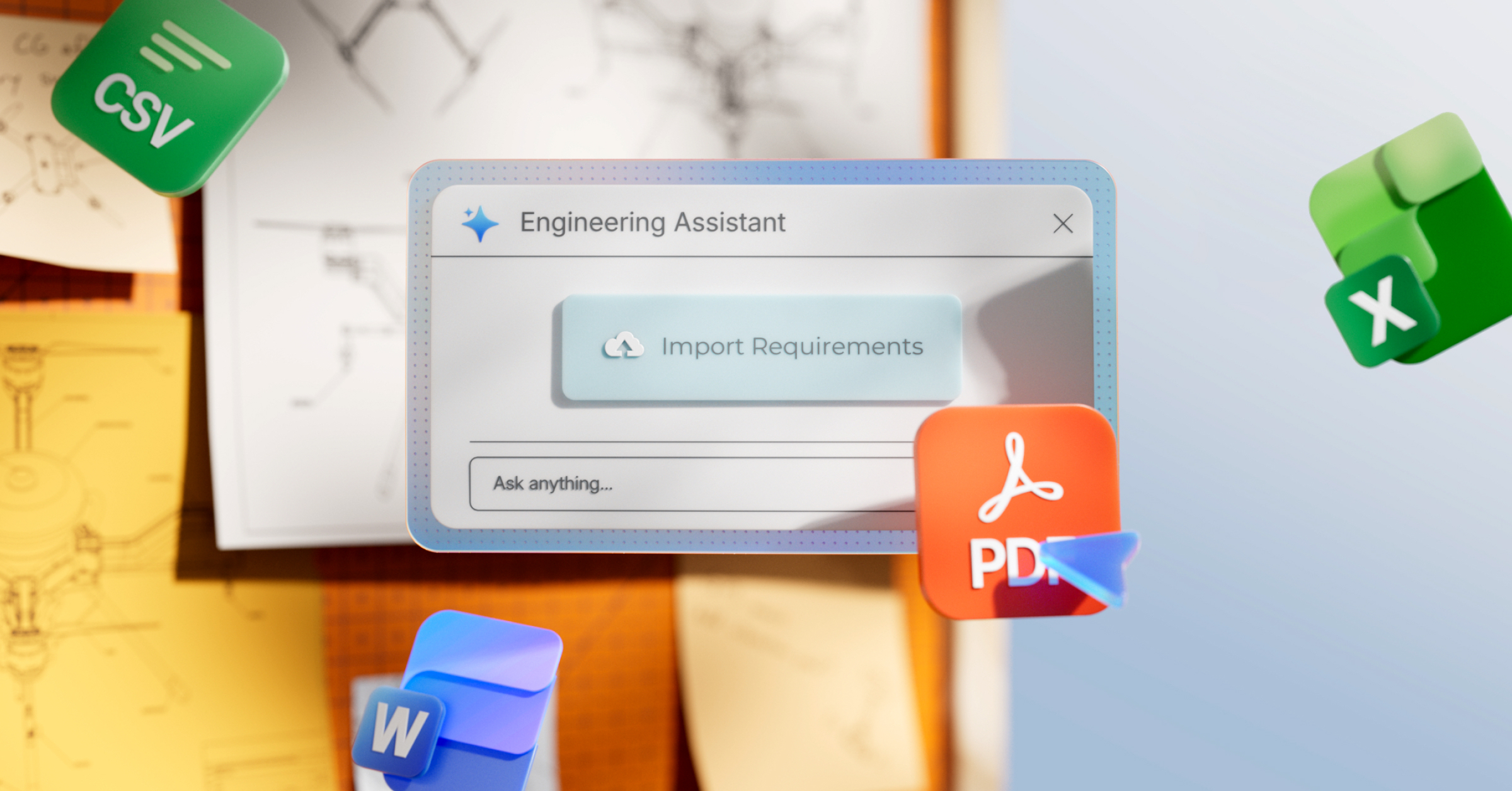
  • Capture and Share Requirements: See how to import requirements from any source and refine them with the Engineering Assistant, so your whole team has a shared starting point before the first design decision is made.
  • Build Repeatable Processes with AI Skills: Learn how to encode your team's standards, templates, and vocabulary into reusable AI Skills that keep requirements workflows consistent across every project.
  • Automate Always-On Quality Checks: See how Background Agents continuously monitor your requirements and surface quality, traceability, and coverage issues proactively, so your team catches mistakes before they spread.

Why Attend

  • Learn how to delegate requirements admin to AI agents, so your team spends more time on engineering decisions and less time maintaining documents.
  • See how every discipline gets accurate, context-aware answers from their requirements directly, without chasing context across documents.
  • Learn how to surface requirements health, verification coverage gaps, and compliance risks as early signals, not after-the-fact reports

Who Should Attend

  • Requirements Owners: Systems Engineers, Technical PMs, and NPD Leads responsible for keeping the team aligned.
  • Implementation Engineers: Electronics, mechanical, software, and verification engineers who need clear, accessible requirements during design.
  • Technical Leadership: Engineering Directors, VPs, and Program Managers accountable for delivery, compliance, and risk.

Reserve Your Spot

Register to see Agentic Requirements Engineering live, and bring your questions.
 

Author

Author

Alkaios is a Senior Product Marketing Manager at Altium, where he leads go-to-market efforts for Requirements & Systems Portal. With over a decade of experience in advanced engineering design and manufacturing, he’s passionate about making new technologies and modern design practices accessible to broader teams. His background spans both hardware and software domains, with previous roles at nTop and 3D Hubs, where he worked with engineering teams on generative design, DfM, and agile engineering processes. He holds a Ph.D. in additive manufacturing and printed electronics from Loughborough University, UK.

More content by Alkaios Bournias Varotsis, Ph.D.

Author

Author

Natalia holds a Master’s in Electronic Design and brings nearly 15 years of experience in hardware design, testing, and field applications engineering. Her expertise includes high-level hardware architecture, schematic capture, board bring-up, and debugging. Comfortable in the lab and in customer-facing roles, Natalia has spent the last three years providing technical guidance in PCB and 3D design for Additive Manufactured Electronics (AME). Her role includes pre and post sales support, along with onboarding training for new users.

More content by Natalia Coria Perez

Author

Author

Francesco holds a Master's degree in Electrical Engineering from EPFL, Switzerland. He is currently part of the Field Applications Engineering team at Altium. During his studies, his primary focus was on bioelectronics and the microfabrication of biomedical implants. After graduating, Francesco transitioned into a technical sales role with a global supplier and manufacturer of custom magnetics, where he was responsible for both technical and sales discussions, serving as the liaison between design engineers, manufacturing engineers, and customers.

More content by Francesco Cecchetti

Author

Author

Konstantin is a Field Applications Engineer (FAE) at Altium and holds a B.Eng.(EE) and a M.Sc.(SEEM) in electronics and is based in Soest, Germany. He is a technical enthusiast with a passion for Electrical and Electronic Design with 10+ years industry experience in R&D, NPI, Product Definition for semiconductors, embedded systems, power electronics, Inverter, SMPS and industrial measurement systems. As an Altium user from the beginning of his career, he appreciates a lean PCB design workflow for High Speed Designs, MCAD/FEM Integration and Supply Chain handling to accelerate design cycle times with outstanding quality at the same time. He is always passionate about innovative technical problems that challenge the status quo, can classify them within the project/company framework and strive for practical & customer-oriented solutions that offer added value for society.

More content by Konstantin Arnold

Author

Author

Majdi Thouabtia’s background is in electrical engineering, with several years of experience in hardware development and technical project management. He has worked across the full hardware lifecycle, from EMC-compliant circuit design and PCB layout to prototyping, testing, and production. Throughout my career, Altium Designer has been a key tool in his daily work, so he is especially proud to now be part of the team behind it.

Before joining Altium, he contributed to projects in the EV charging and IoT sectors, leading development efforts and collaborating with cross-functional teams and external partners. He holds a Master’s degree in Electrical Engineering from FAU Erlangen-Nürnberg.

More content by Majdi Thouabtia
Workshop - Requirements & System Portal
JUN
CET
No result.
View All Dates

Registration has recently closed. Check back soon for on-demand webinar.

Related Resources

00:52:37 Holistic Engineering Management in Electronic Design See how engineering leaders gain the visibility and control to deliver on time, with less risk
Watch Video

Related Technical Documentation

Altium 365 Platform Interface Altium 365 Platform Interface

Depending on your relationship with Altium, the services offered on the Altium Platform will be experienced from within Altium Designer and through the platform's browser-based interface. This page takes a look at the latter and provides an overview of what you'll see when you register an Altium Account and sign in to the Altium Platform Interface. For the latest information on the security,…

Read Documentation
QuickNav - Platform Key Capabilities QuickNav - Platform Key Capabilities

The Altium Platform (Altium 365) on which the various solutions from Altium – Altium Develop, Altium Agile Teams and Altium Agile Enterprise – are delivered, provides a myriad of features and functionality (depending on the solution you are subscribed to) to allow all of the key stakeholders, across multiple disciplines, to connect and collaborate in the creation of product designs in a secure,…

Read Documentation
Altium 365 Altium 365

Altium 365® is a cloud-based infrastructure platform that connects all the key stakeholders and disciplines, from mechanical designers to parts procurement, to fabrication and assembly. In other words, the Altium 365 Platform connects electronics design to the manufacturing floor. Since it is cloud-based, there is nothing to install and no servers to configure. It’s just there with Altium…

Read Documentation
FAQs FAQs

For additional answers to the questions you may have in relation to Altium 365, take a look at the Altium Knowledge Base, whose content is curated based on support questions fielded each and every day. General How is my design data protected on Altium 365? Please visit the Altium 365 Trust Center, which connects you to the latest information on the security, reliability, privacy, and compliance…

Read Documentation
Altium 365 Personal Space Altium 365 Personal Space

As a registered user of the Altium 365 Platform (i.e. an Altium Account) you have your own Altium 365 Personal Space, which is accessible only by you. Your Personal Space accommodates persistent storage of various types of uploaded static data, including design 'snapshots' (from various ECAD platforms) and Gerber/ODB++ manufacturing data, with the ability to share with anyone for comments and…

Read Documentation
Web Viewer Web Viewer

The Altium 365 Web Viewer interface provides universal access to PCB project documents through a standard web browser. Much more than just a web-based viewer, its advanced browser technology allows users to navigate through the project structure, interact with design documents, extract information about elements in the design, and highlight areas or objects for commenting notes. When viewing…

Read Documentation
Search Query Reference Search Query Reference

This document is a reference guide for the syntax, operators, and conventions used in the Workspace hardware design search language. Search queries are based on a familiar field:value syntax, and can be used to perform quick, simple searches through to constructing powerful and precise queries. See Web Viewer Search for related usage information. Search Syntax and Guide The below reference…

Read Documentation
Global Sharing of Data Global Sharing of Data

One of the most powerful aspects of the Altium 365 infrastructure platform is its support for collaboration on a global scale. At the heart of this is the platform's support for Global Sharing. With Altium 365, you can effortlessly share your current design progress with management, or purchasing, or a potential manufacturer, in a way that is also easy for them – simplified, interactive…

Read Documentation
Electronic System Design Electronic System Design

In early stages of electronic designs, it is important to define the design on the conceptual/functional level. This initial step serves as a crucial foundation for the entire development process, providing a high-level overview of the system's architecture and its primary elements. A well-crafted block diagram clarifies the major functional units of the electronic system and illustrates their…

Read Documentation
Renesas 365 Renesas 365

Renesas 365, powered by Altium, is built on the Altium 365 platform and developed for electronics system design. It liberates engineers by unifying development workflows to improve efficiency and accelerate design cycles from concept to volume production. The main, high-level entity in Renesas 365 is a Solution that unifies different aspects of the system that you create – system design, software…

Read Documentation

AI Agents for Engineering Requirements

Created: July 14, 2026
At a Glance
Agentic Requirements Engineering just shipped. Learn how to use AI agents to accelerate your requirements workflows.
Go Deeper with AI:
ChatGPT Perplexity Claude Google Grok
Product: Agile Agile Teams Systems and Product Design Requirements Management Requirements Portal Webinars PCB Design Engineers

Agentic Requirements Engineering just shipped. Learn how to use AI agents to accelerate your requirements workflows.

Good requirements keep the whole team aligned, trace directly to design decisions, and make verification straightforward. Most engineers know this, but the tools available have always made it harder than it should be.

Agentic Requirements Engineering, our newest capability in Requirements Portal, removes this bottleneck. In this webinar you get an exclusive first look at how AI agents work inside Requirements Portal and see what that means for your requirements workflows in practice.

What You'll Learn

  • Capture and Share Requirements: See how to import requirements from any source and refine them with the Engineering Assistant, so your whole team has a shared starting point before the first design decision is made.
  • Build Repeatable Processes with AI Skills: Learn how to encode your team's standards, templates, and vocabulary into reusable AI Skills that keep requirements workflows consistent across every project.
  • Automate Always-On Quality Checks: See how Background Agents continuously monitor your requirements and surface quality, traceability, and coverage issues proactively, so your team catches mistakes before they spread.

Why Attend

  • Learn how to delegate requirements admin to AI agents, so your team spends more time on engineering decisions and less time maintaining documents.
  • See how every discipline gets accurate, context-aware answers from their requirements directly, without chasing context across documents.
  • Learn how to surface requirements health, verification coverage gaps, and compliance risks as early signals, not after-the-fact reports

Who Should Attend

  • Requirements Owners: Systems Engineers, Technical PMs, and NPD Leads responsible for keeping the team aligned.
  • Implementation Engineers: Electronics, mechanical, software, and verification engineers who need clear, accessible requirements during design.
  • Technical Leadership: Engineering Directors, VPs, and Program Managers accountable for delivery, compliance, and risk.

Reserve Your Spot

Register to see Agentic Requirements Engineering live, and bring your questions.

Related Resources

00:52:37 Holistic Engineering Management in Electronic Design See how engineering leaders gain the visibility and control to deliver on time, with less risk
Watch Video

Related Technical Documentation

Altium 365 Platform Interface Altium 365 Platform Interface

Depending on your relationship with Altium, the services offered on the Altium Platform will be experienced from within Altium Designer and through the platform's browser-based interface. This page takes a look at the latter and provides an overview of what you'll see when you register an Altium Account and sign in to the Altium Platform Interface. For the latest information on the security,…

Read Documentation
QuickNav - Platform Key Capabilities QuickNav - Platform Key Capabilities

The Altium Platform (Altium 365) on which the various solutions from Altium – Altium Develop, Altium Agile Teams and Altium Agile Enterprise – are delivered, provides a myriad of features and functionality (depending on the solution you are subscribed to) to allow all of the key stakeholders, across multiple disciplines, to connect and collaborate in the creation of product designs in a secure,…

Read Documentation
Altium 365 Altium 365

Altium 365® is a cloud-based infrastructure platform that connects all the key stakeholders and disciplines, from mechanical designers to parts procurement, to fabrication and assembly. In other words, the Altium 365 Platform connects electronics design to the manufacturing floor. Since it is cloud-based, there is nothing to install and no servers to configure. It’s just there with Altium…

Read Documentation
FAQs FAQs

For additional answers to the questions you may have in relation to Altium 365, take a look at the Altium Knowledge Base, whose content is curated based on support questions fielded each and every day. General How is my design data protected on Altium 365? Please visit the Altium 365 Trust Center, which connects you to the latest information on the security, reliability, privacy, and compliance…

Read Documentation
Altium 365 Personal Space Altium 365 Personal Space

As a registered user of the Altium 365 Platform (i.e. an Altium Account) you have your own Altium 365 Personal Space, which is accessible only by you. Your Personal Space accommodates persistent storage of various types of uploaded static data, including design 'snapshots' (from various ECAD platforms) and Gerber/ODB++ manufacturing data, with the ability to share with anyone for comments and…

Read Documentation
Web Viewer Web Viewer

The Altium 365 Web Viewer interface provides universal access to PCB project documents through a standard web browser. Much more than just a web-based viewer, its advanced browser technology allows users to navigate through the project structure, interact with design documents, extract information about elements in the design, and highlight areas or objects for commenting notes. When viewing…

Read Documentation
Search Query Reference Search Query Reference

This document is a reference guide for the syntax, operators, and conventions used in the Workspace hardware design search language. Search queries are based on a familiar field:value syntax, and can be used to perform quick, simple searches through to constructing powerful and precise queries. See Web Viewer Search for related usage information. Search Syntax and Guide The below reference…

Read Documentation
Global Sharing of Data Global Sharing of Data

One of the most powerful aspects of the Altium 365 infrastructure platform is its support for collaboration on a global scale. At the heart of this is the platform's support for Global Sharing. With Altium 365, you can effortlessly share your current design progress with management, or purchasing, or a potential manufacturer, in a way that is also easy for them – simplified, interactive…

Read Documentation
Electronic System Design Electronic System Design

In early stages of electronic designs, it is important to define the design on the conceptual/functional level. This initial step serves as a crucial foundation for the entire development process, providing a high-level overview of the system's architecture and its primary elements. A well-crafted block diagram clarifies the major functional units of the electronic system and illustrates their…

Read Documentation
Renesas 365 Renesas 365

Renesas 365, powered by Altium, is built on the Altium 365 platform and developed for electronics system design. It liberates engineers by unifying development workflows to improve efficiency and accelerate design cycles from concept to volume production. The main, high-level entity in Renesas 365 is a Solution that unifies different aspects of the system that you create – system design, software…

Read Documentation
Back to Home
Altium Agile Teams

Speed at Scale. Structured Repeatability. Secure Flexibility.

  • Start up fast with out‑of‑the‑box workflows
  • Collaborate using ECAD‑MCAD codesign tools
  • Manage BOMs with live supply chain part data
  • Manage access and security as teams scale

Contact Us

Altium Agile Teams
Speed at Scale. Structured Repeatability. Secure Flexibility.

 A unified platform for advanced multidisciplinary collaboration

Learn More
Altium Develop
Manage Engineering Requirements

Capture requirements and link them to electronic designs, systems, verification, and test cases.

Learn More
Altium Develop
Requirements Portal

Iterate faster with a requirements management tool your whole team can access.

Learn More
Altium Develop
Verify & Validate

Plan and link test cases to requirements and electronic designs.

Learn More
Platform-based Solutions
  • Octopart Discover
  • Altium Develop
  • Altium Agile Teams
  • Altium Agile Enterprise
Tools
  • Altium Designer
  • Octopart
Platform
  • Altium 365
Company
  • Our Customers
  • Trust Center
  • Newsroom
Software Capabilities
  • PCB Layout and Design
  • Requirements Management
  • Electronics Data Management
  • IT Security
  • Electronics Manufacturing
  • Electronics Supply Chain
  • Engineering Management
Resources & Support
  • Status
  • Downloads
  • Learning Hub
  • Support Center
  • Bug Crunch
  • Forum
  • Documentation
  • Ideas
  • Education
  • Professional Training / Certification
  • Webinars
  • Beta Program
Education
  • Student Lab
  • Educator Center
  • Altium Education Curriculum
Careers
  • Career at Altium
  • Copyrights & Trademark
  • Privacy policy
  • Cookie policy
  • Terms of Service
  • Legal
© 2026 Altium Pty. Ltd.