Mobile menu
Octopart Discover
Altium Develop
Altium Agile
Resources & Support
Free Altium 365 Tools
Gerber Compare
Online PCB Viewer
Resources & Support
Learning Hub
Support Center
Documentation
Webinars
Altium Community
Forum
Bug Crunch
Ideas
Education
Student Lab
Educator Center
Altium Education Curriculum
Search Open
Search
Search Close
Sign In
Guide Books
Main menu
Home
PCB Design
Collaboration
Component Creation
Data Management
Design Outputs
ECAD/MCAD
HDI Design
High Speed Design
Multi-Board
PCB Layout
PCB Routing
PCB Supply Chain
Power Integrity
RF Design
Rigid Flex
Schematic Capture
Signal Integrity
Simulation
Software
Develop
Discover
Agile
Altium 365
Altium Designer
Education
Programs
Altium Academy
Engineering News
Guide Books
Newsletters
Podcasts
Projects
Training Courses
Webinars
Whitepapers
Learning Hub
Guide Books
"Migrationsleitfaden Wechsel von Mentor Graphics PADS® zu Altium Designer® "
Created: April 6, 2017
Updated: March 20, 2020
Download PDF
Download PDF
Explore Altium Develop
Explore Altium Agile
Ask an Expert
Related Resources
ALTIUM EVALUATION GUIDE FOR PADS® USERS
Read Article
Migration Guide Making the Switch from PADS to Altium Designer- KR
Read Article
Altium Vault Implementation Primer
Read Article
Altium Vault Implementation Guide
FIRST-TIME SETUP FOR ALTIUM VAULT - SOFTWARE INSTALLATION Altium Vault is installed through use of an efficient, intuitive installer - an installer that not only expedites the initial Altium Vault implementation and installation process, but lets you update to a later version of the design tool with ease, at any time in the future. In addition, tools are available to monitor the health of Altium Vault, and to Backup and Restore your valuable
Read Article
Altium Evaluation Guide For PADS Users
To learn more about this topic please see the full solution - Evaluating Altium Designer for PADS Users - at Altium.com.
Read Article
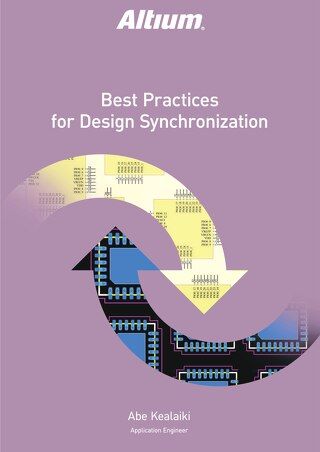
Best Practices for Design Synchronization
Best Practices for Design Synchronization Altium Designer
®
features a robust library and component management system comprising many different component types. There are methods for creating different components within the program and ensuring that the data synchronization is maintained throughout the creation and management of them, to better streamline the various models of your component library and create a more fluid design flow. This paper
Read Article
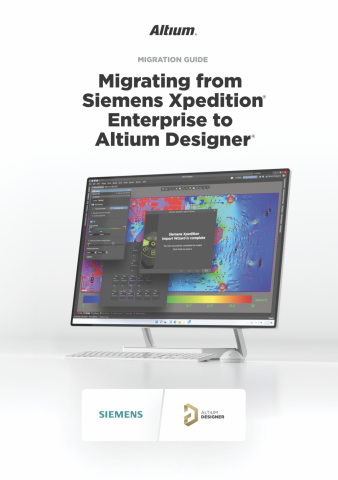
Migrating to Altium Designer from Siemens Xpedition Enterprise
Learn how to migrate from from Siemens Xpedition Enterprise to Altium Designer using this detailed guidebook. Learn expert insights, tips, and step-by-step instructions for a smooth transition, unlocking the full potential of Altium Designer's powerful features for PCB Design.
Read Article
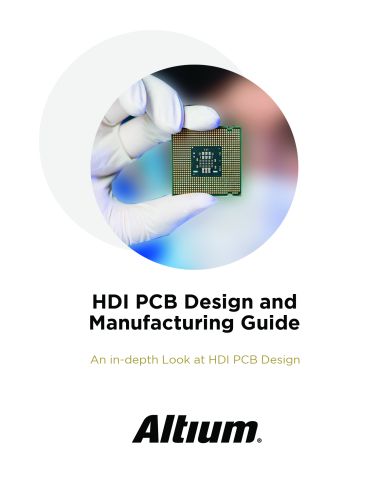
EBook: HDI PCB Design and Manufacturing Guide
HDI PCB design and HDI manufacturing processes challenge even the most experienced designers. Download this FREE Ebook to receive an in-depth look at HDI PCB design and the standard HDI manufacturing processes.
Read Article
Migration Guide Making the Switch from PADS to Altium Designer-VT
Read Article
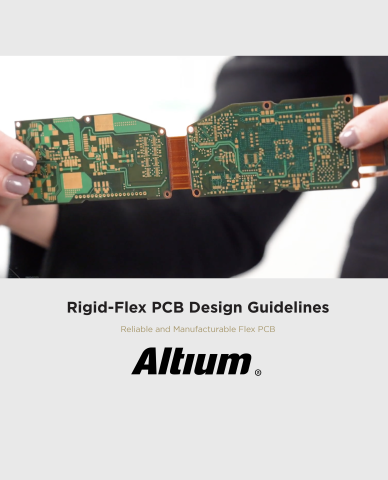
Rigid-Flex PCB Design Guidelines
Download this free ebook to learn about rigid-flex PCB design and manufacturing. These guidelines help ensure your flex PCB is reliable and manufacturable with high yield.
Read Article
Back to Home
Multidisciplinary Product Creation
Align data and context across every discipline
Collaborate concurrently with no silos
Make faster decisions with shared visibility
Stay connected through real-time updates
Learn More
Thank you, you are now subscribed to updates.
Don’t miss updates