
Securely manage design data with advanced version control, ensuring seamless collaboration, traceability, and compliance throughout the design lifecycle.
Join our Weekly "Ask an Expert" Session! Ask questions and learn from Altium 365 experts.
This article serves as a comprehensive guide for users looking to effectively start their journey with Altium Develop. It includes step-by-step instructions on activating a workspace, connecting Altium Designer to it, navigating the workspace interface, and inviting users. Readers will develop a solid foundation for utilizing Altium Develop to streamline project management and collaboration within their teams. By following these essential tutorials, users will be equipped to efficiently set up their workspace and invite teammates, ultimately fostering a productive environment for design and collaboration. Keep reading to unlock the full potential of your Altium Develop experience and elevate your team's productivity. - Readers will learn how to activate and configure a new workspace in Altium Develop. - The article will guide users on connecting Altium Designer to their workspace for seamless project management. - Readers will gain skills in navigating the workspace and inviting team members, enhancing collaboration. Let your journey with Altium Develop begin, and empower your team to achieve more together!
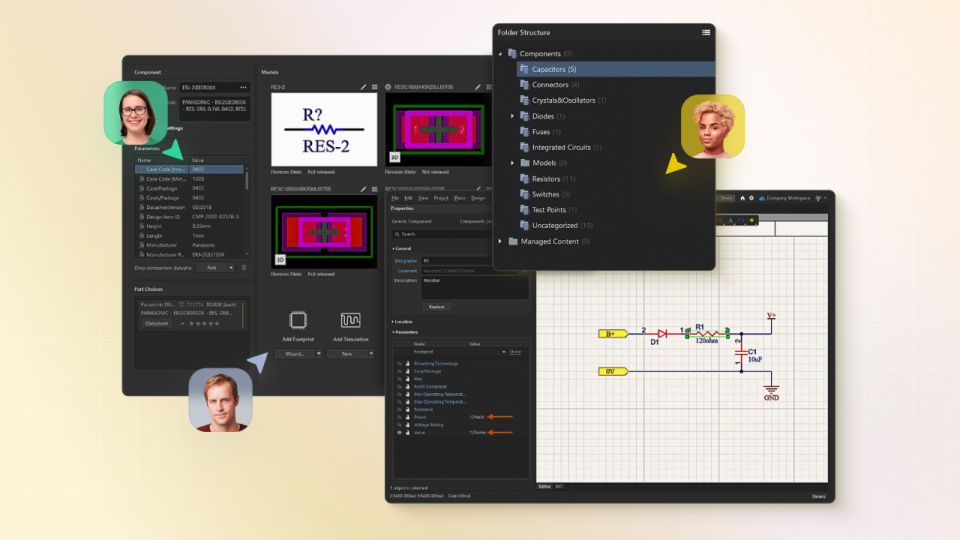
Learn how to set up an Altium Agile Teams workspace, connect it to Altium Designer, navigate key workspace tools, and invite team members. This onboarding guide walks account administrators and new users through the core steps required to establish a shared engineering environment for project collaboration, component management, and workspace administration.
This onboarding guide is designed to give your team the tools and collaboration capabilities you need to modernize your electronics design workflow.
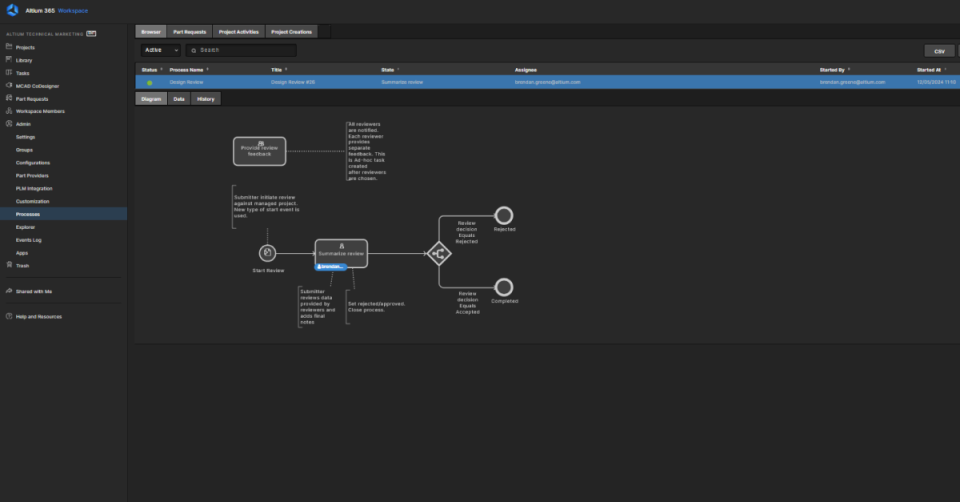
Learn how to get started with Workflows by activating your Altium 365 Workspace, activating a Workflow, initiating a Process, and completing a Process.
Learn how to get started with Z2Data Integration and enrich your parts with valuable information including live lifecycle, lifecycle forecast, and compliance data in Altium 365 and Altium Designer.