
Securely manage design data with advanced version control, ensuring seamless collaboration, traceability, and compliance throughout the design lifecycle.
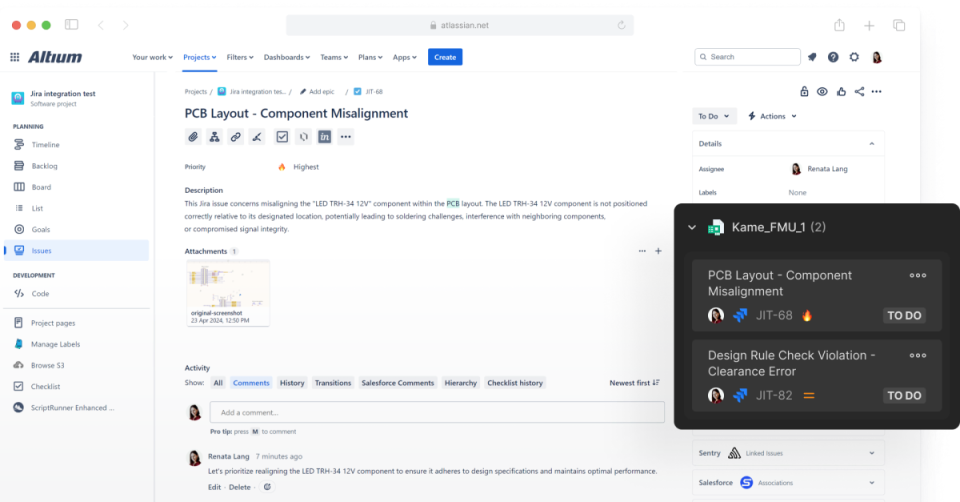
Learn how to enable bidirectional data synchronization between Atlassian Jira® Issues and Altium 365 Workspace Tasks with Altium 365’s Jira Integration. This integration allows the remote creation of Jira Issues directly from your Altium 365 Workspace.
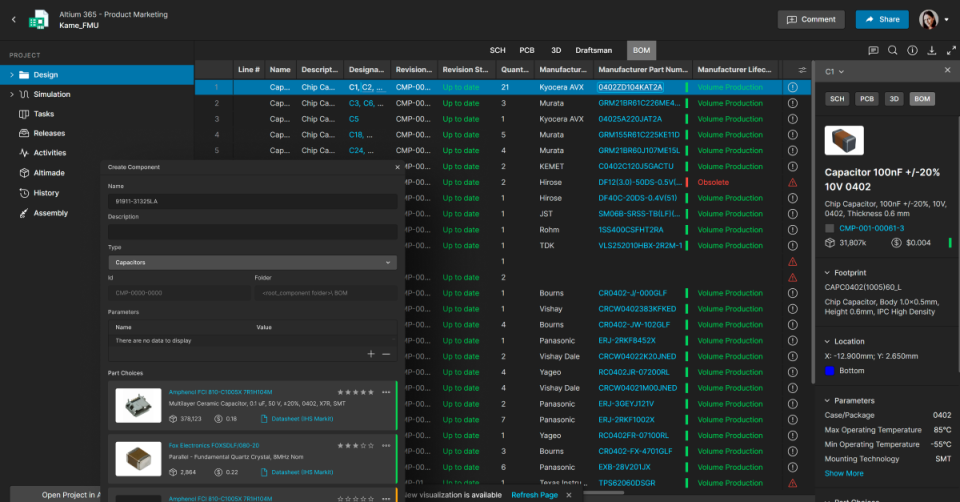
This article guides you through how to migrate existing libraries into an Altium 365 Workspace using a structured and efficient process, from preparing your environment to validating and reviewing migrated components. It highlights key steps, resources, and best practices to help ensure your data is organized, accurate, and ready for use within a centralized system. Read on to learn how to simplify your library migration and set a strong foundation for consistent, reliable component management.
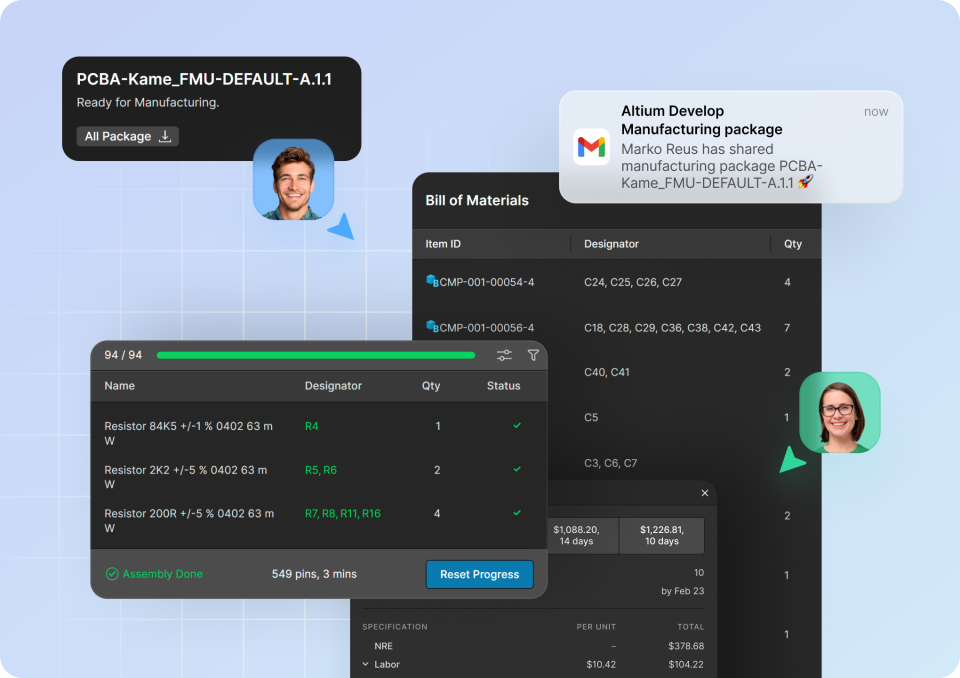
This article walks through how manufacturing engineers can access, validate, and act on production-ready data using a unified, browser-based environment that simplifies the transition from design to fabrication and assembly. It covers interactive assembly guidance, supply chain monitoring, PLM integration, and streamlined ordering workflows that improve accuracy, reduce manual effort, and keep production aligned with the latest design data. Read on to see how these guided tutorials can help you eliminate inefficiencies, reduce risk, and keep manufacturing processes running smoothly and confidently.
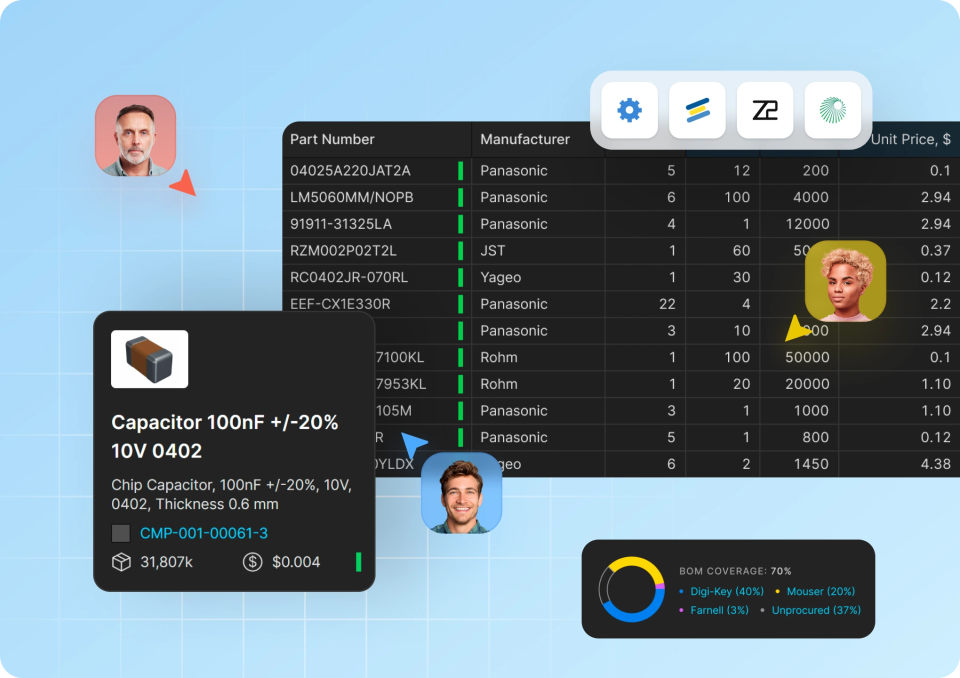
This article shows how the BOM Portal gives procurement teams early, continuous visibility into Bill of Materials Data, enabling them to identify supply chain risks, evaluate alternatives, and optimize costs while designs are still flexible. It walks through key workflows such as BOM creation, risk analysis, supplier comparison, consolidation, and lifecycle monitoring; all designed to replace reactive sourcing with proactive, data-driven decision making. Read on to learn how these tutorials can help you stay ahead of supply challenges, collaborate more effectively, and drive more confident procurement outcomes.
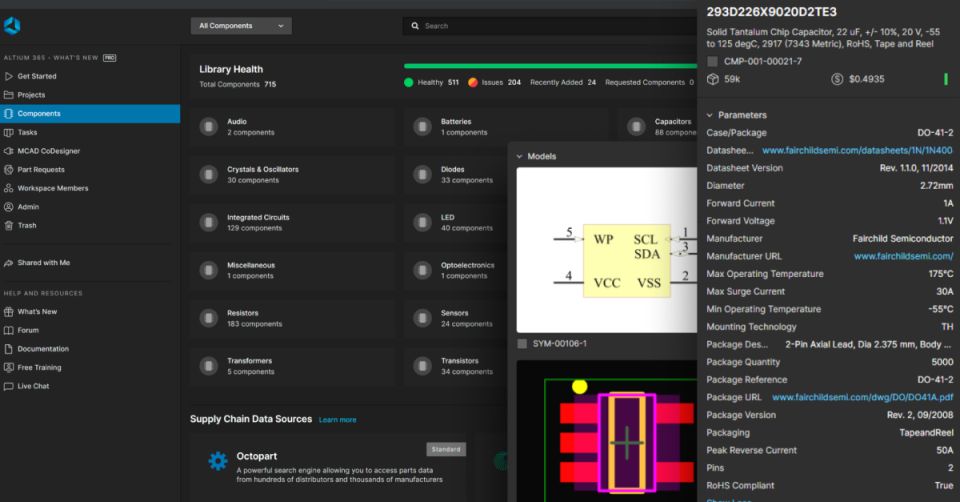
The Altium 365 workspace can be used to maintain the library and flag possible issues for example for obsolescence management.
Summary: As Altium 365 GovCloud becomes more commonly used, there are some features that are inherently disabled within an Altium
This video demonstrates some of the general settings within the Admin Section of a user's workspace. It also contains general information on topics such as the workspace, name, description, URL, and server location. The video begins by renaming the workspace, adding a description, and viewing the server location for the workspace data and the URL. Once changes are made, users are instructed to log out and log back into the workspace to view those changes. Afterwards, the workspace name is changed to eliminate confusion between multiple workspaces.