
Securely manage design data with advanced version control, ensuring seamless collaboration, traceability, and compliance throughout the design lifecycle.
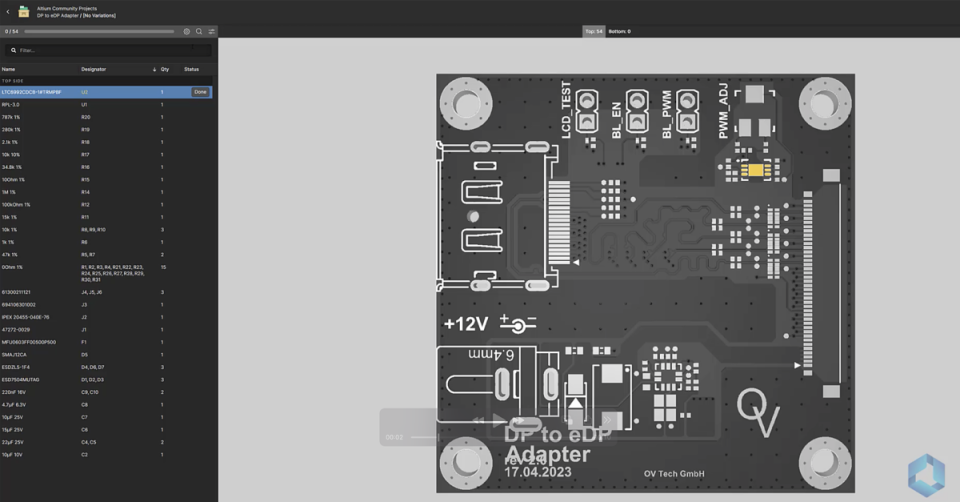
Learn how to use Altium 365's PCB Assembly Assistant to accelerate PCB prototyping and short-run manufacturing with component-level board assembly lists. This onboarding guide includes step-by-step instructions, best practices, and additional resources to get started.
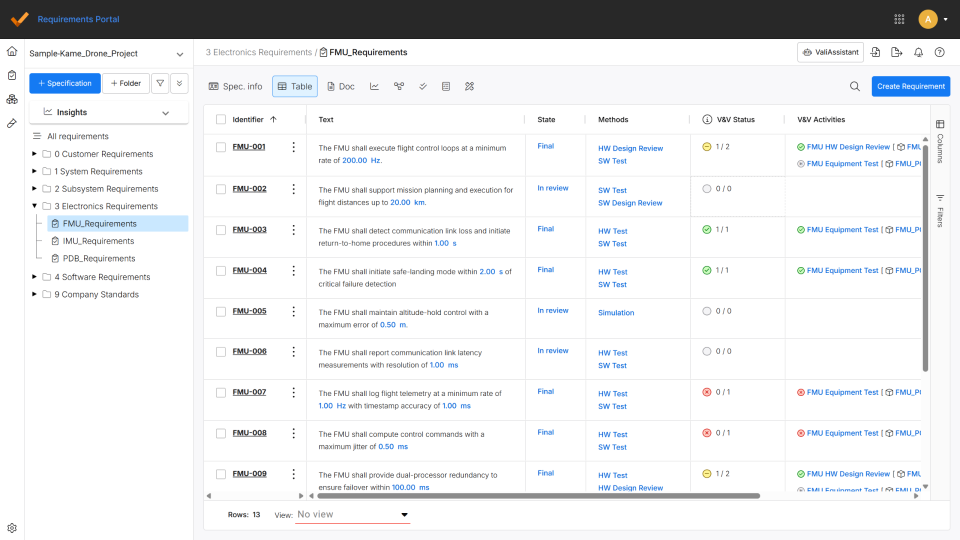
This article introduces how to get started with the Requirements Portal, showing how to create, manage, and connect requirements to design and verification data within a unified environment. It highlights key onboarding steps, tutorials, and best practices that help teams build traceability, maintain visibility, and keep requirements aligned throughout the product lifecycle. Read on to learn how to confidently set up and use the Requirements Portal to keep your projects organized, connected, and on track.
Want to improve the protection of your design data? Altium 365 GovCloud can help you achieve these goals. It’s a region in Altium, engineered to meet the stringent demands of US government regulations.
This whitepaper provides a clear overview of the extensive security measures that underpin Altium 365, the secure cloud platform for
Before you start sharing design data, run through this checklist to make sure collaborative PCB design is a productive experience.
Linear workflows slow engineering down. Discover how concurrent ECAD design and multi-user editing enable real-time collaboration without design chaos.
Stop losing weeks to manual handoffs. ECAD PLM integration gives your team one connected release path from design to manufacturing.