
Join our Weekly "Ask an Expert" Session! Ask questions and learn from Altium 365 experts.
This article serves as a comprehensive guide for users looking to effectively start their journey with Altium Develop. It includes step-by-step instructions on activating a workspace, connecting Altium Designer to it, navigating the workspace interface, and inviting users. Readers will develop a solid foundation for utilizing Altium Develop to streamline project management and collaboration within their teams. By following these essential tutorials, users will be equipped to efficiently set up their workspace and invite teammates, ultimately fostering a productive environment for design and collaboration. Keep reading to unlock the full potential of your Altium Develop experience and elevate your team's productivity. - Readers will learn how to activate and configure a new workspace in Altium Develop. - The article will guide users on connecting Altium Designer to their workspace for seamless project management. - Readers will gain skills in navigating the workspace and inviting team members, enhancing collaboration. Let your journey with Altium Develop begin, and empower your team to achieve more together!
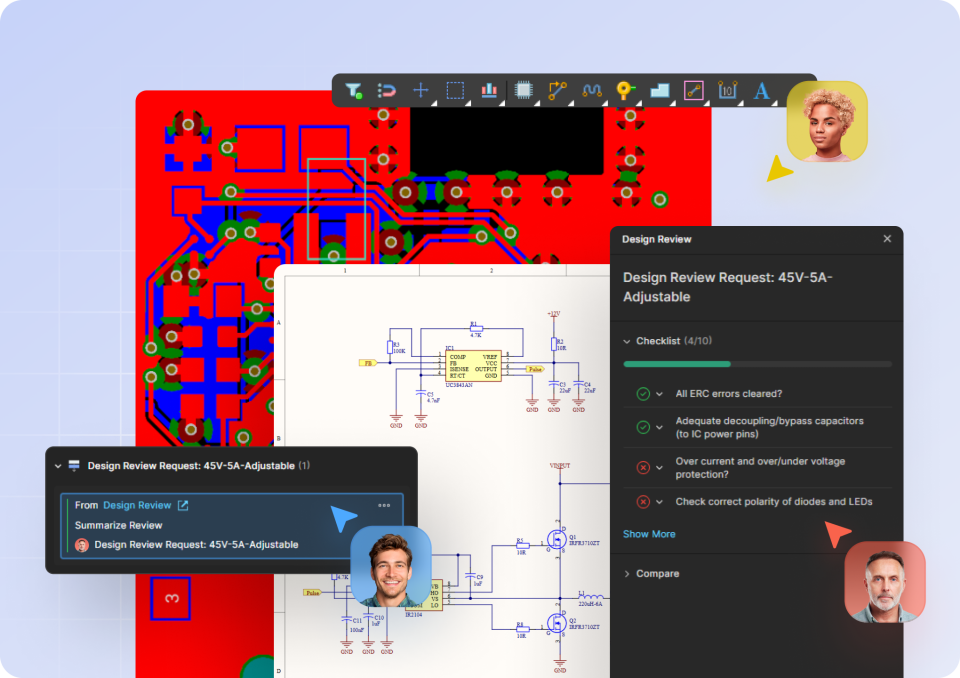
This article provides PCB design engineers with a comprehensive set of guided tutorials that show how to work within a unified design environment, tie collaboration to data, and streamline everything from layout and routing to system design and supply chain management. It highlights how integrating these workflows helps maintain consistency, improve visibility, and reduce errors across the entire design process while keeping projects aligned with real-time data. Read on to see how these step-by-step insights can help you design more efficiently and move from concept to release with greater confidence.
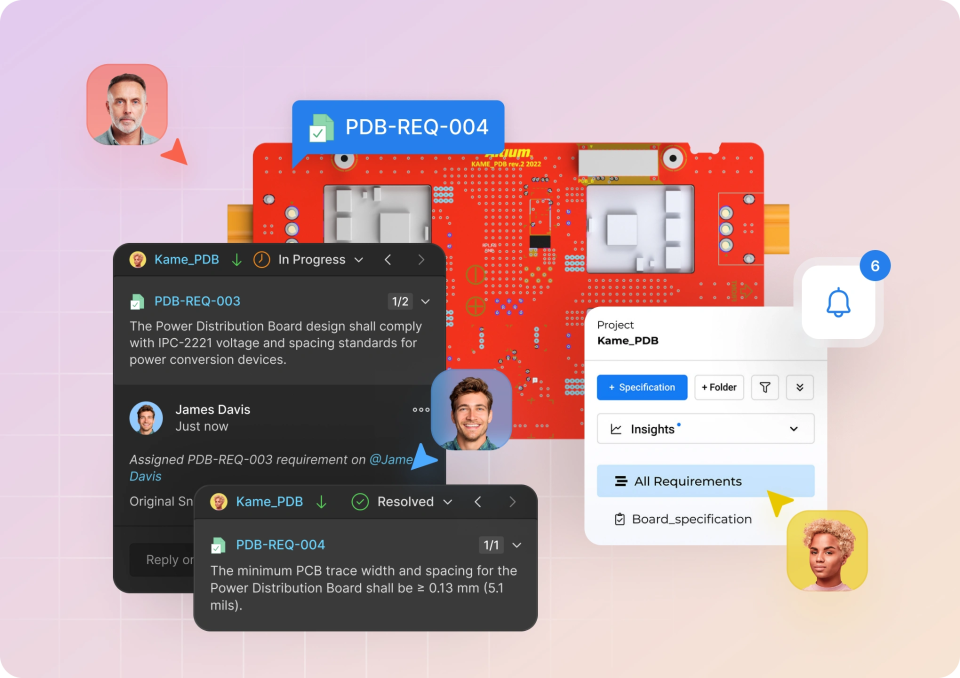
This tutorial guides users in how to centralize, connect, and manage requirements within the Altium Requirements Portal, showing how to import existing data, link it directly to design projects, and maintain a single, version-controlled source of truth. It highlights how integrated workflows improve traceability, streamline verification, and provide real-time visibility into project progress, while also simplifying compliance reporting. Read on to see how these tutorials can help you reduce errors, stay aligned, and bring greater clarity and confidence to your design process.
This onboarding guide is designed to give your team the tools and collaboration capabilities you need to modernize your electronics design workflow.
Learn how to effectively use Altium 365 MCAD CoDesigner for efficient collaboration between PCB and mechanical design teams.
Learn how to activate your Altium 365 Workspace, install and configure CoDesigner, and get started with MCAD CoDesigner. This onboarding guide provides links to documentation, best practices, additional resources, and help.