
Automate design workflows and improve process efficiency with collaborative tools that support team communication and task management.
This onboarding guide is designed to give your team the tools and collaboration capabilities you need to modernize your electronics design workflow.
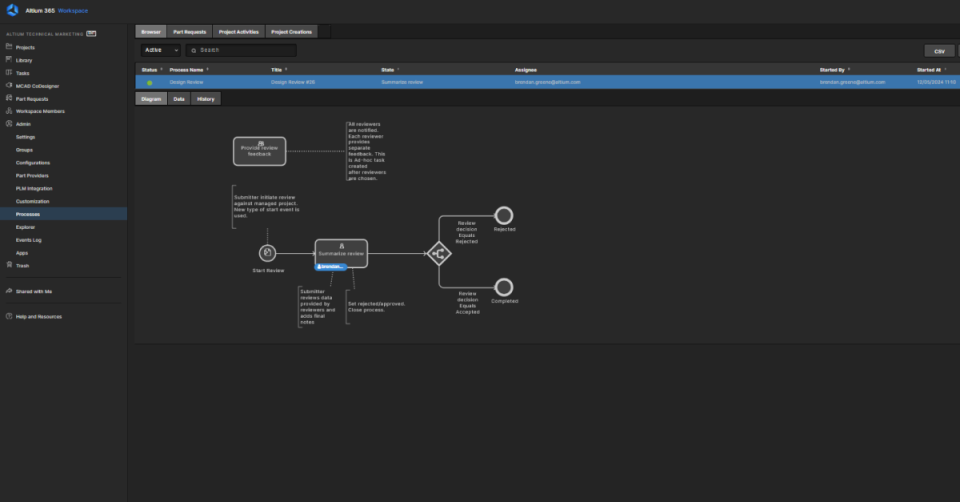
Learn how to get started with Workflows by activating your Altium 365 Workspace, activating a Workflow, initiating a Process, and completing a Process.
Learn how to activate your Altium 365 Workspace, install and configure CoDesigner, and get started with MCAD CoDesigner. This onboarding guide provides links to documentation, best practices, additional resources, and help.
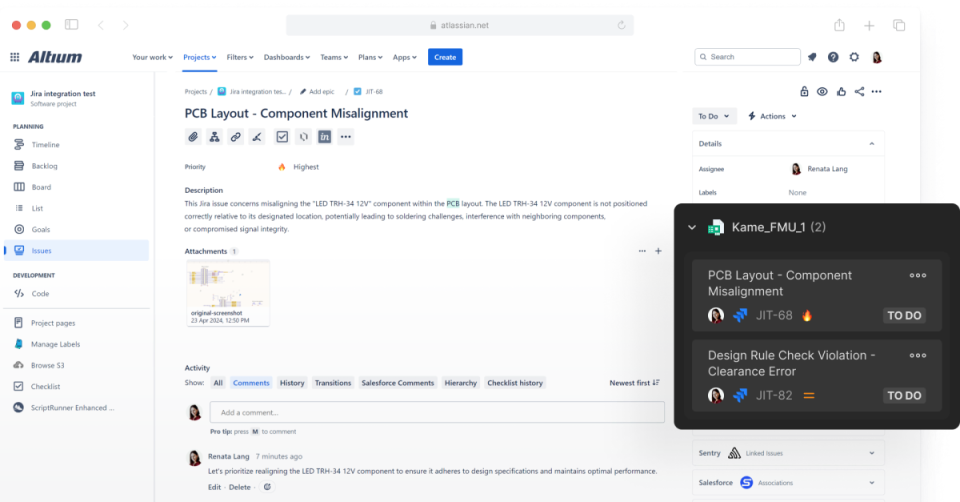
Learn how to enable bidirectional data synchronization between Atlassian Jira® Issues and Altium 365 Workspace Tasks with Altium 365’s Jira Integration. This integration allows the remote creation of Jira Issues directly from your Altium 365 Workspace.
This comprehensive video series will guide you through establishing seamless connections between your workspace and PLM system, creating a unified digital thread for your product development lifecycle. PLM integration transforms how your engineering team manages component data, project information, and manufacturing outputs by synchronizing critical design data between the workspace and your PLM system. This integration eliminates data silos, reduces manual data entry, and ensures your entire organization works from a single source of truth. This training series covers five essential areas that will get your PLM integration up and running effectively. After completing this training, you will have the knowledge and practical skills to implement a robust PLM integration that enhances collaboration, reduces errors, and accelerates your product development process.
Mechanical and PCB teams must align fast. Discover how to overcome ECAD-MCAD silos and improve collaboration with real-time, integrated design tools.