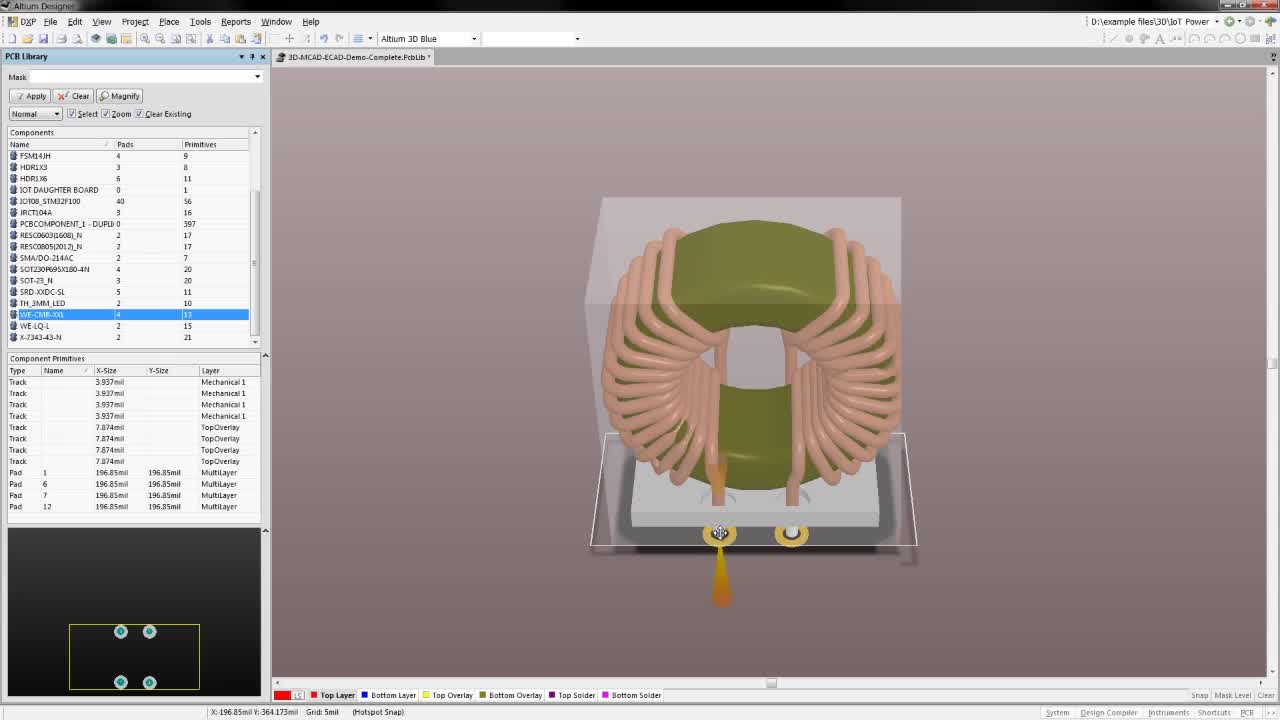


This reference page walks you through the Membership Checks category of query keywords available in Altium Designer for PCB and PCB Library documents, showing what each keyword does, how to write the syntax correctly, and what kinds of objects each query returns. It covers unit conversion functions such as AsMils and AsMM, along with object and property matching functions like…
The Altium Designer SDK is a .NET SDK for building C# extensions that work with schematics, PCBs, libraries and the Altium Designer environment. This page points you to the API reference, Quick Start Guide and related developer resources. Keep reading to find the resources for your next extension. - Understand what the SDK is and what Altium Designer extensions can work with. - Find the API…
Build your first custom Altium Designer extension with this step-by-step SDK guide. Follow the process from setting up development tools and creating a C# project to adding and running a command that displays schematic or project net names. You’ll also find a command-line template option with hot reload. Read on to take your first steps toward extending Altium Designer. - Understand the…
Altium Designer supports PCB development, from schematics and layouts to libraries and manufacturing deliverables. This article introduces its SDK and scripting framework, highlighting how developers and engineering teams can extend the environment with custom tools, automate workflows, and integrate with enterprise systems. Keep reading to discover how these capabilities could support your team…
Altium Designer’s developer documentation is moving to a new documentation platform. While the migration is underway, the existing SDK and scripting documentation remains available through the link below. Follow the link to access these resources and keep your work moving forward. - Learn about the ongoing developer documentation migration. - Find the link to the existing Altium Designer SDK and…
Altium Developer Center brings together APIs, SDKs, and integration tools for developers building on Altium 365, Altium Designer, and Octopart. This overview introduces the product areas, explains how program enrollment provides access to developer products, and highlights ways to connect enterprise systems, embed design viewers, and add supply chain data to your applications. Read on to find the…
Learn how to open Renesas 365 solutions in Altium Designer, explore their linked hardware projects, and pull changes from the solution’s System Data Model (SDM). This article covers the required settings and Workspace connection, navigating solutions, and reviewing Engineering Change Orders (ECOs) before applying supported updates to a hardware project. Keep reading to confidently access your…
This article explains how to use the Design Reuse panel in Altium Designer to create, manage, search for, place, edit, and organize formal reuse blocks stored in a connected Workspace. It outlines how reuse blocks can include both schematic and PCB data, and how those PCB elements are transferred into a board through the ECO process. It also walks through key panel actions such as browsing…
Prepare Autodesk Fusion for PCB collaboration with Altium MCAD CoDesigner. This guide covers installing the Windows-only add-in, connecting to your Altium Workspace, and configuring settings for exchanging design changes between ECAD and MCAD. It also explains working with device assemblies, displaying copper and silkscreen layers, resolving grounded component placement issues, and collaborating…
Learn More