

Altium CoDesigner is an interface for transferring printed circuit board designs between the ECAD and MCAD design domains. Once the CoDesigner add-in has been added to your MCAD software, CoDesigner can pass design changes back and forth between your MCAD software and your Altium ECAD software. Design changes are passed through an Altium Workspace, which acts as a bridge between the ECAD and MCAD…
Altium's MCAD CoDesigner technology connects the mechanical and electrical design domains, allowing the mechanical and electronic engineers to pass the loaded PCB back and forth between the two domains. In your Altium design software, this is achieved through an extension that loads and extracts board and component data from the PCB editor, the MCAD CoDesigner extension. In the MCAD software the…
Altium CoDesigner for Siemens® NX™ is only available for designers with an Altium Enterprise Solution. Altium CoDesigner for Siemens NX moved out of Beta in Altium CoDesigner 3.0. Altium CoDesigner is an interface for transferring printed circuit board designs between the ECAD and MCAD design domains. Once the CoDesigner add-in has been added to your MCAD software, CoDesigner can pass design…
Parent page: Installing & Configuring Altium CoDesigner Altium CoDesigner is an interface for transferring printed circuit board designs between the ECAD and MCAD design domains. Once the CoDesigner add-in has been added to your MCAD software, CoDesigner can pass design changes back and forth. Design changes are passed through an Altium Workspace, which acts as a bridge between the ECAD and MCAD…
Altium CoDesigner is an interface for transferring printed circuit board designs between the ECAD and MCAD design domains. Once the CoDesigner add-in has been added to your MCAD software, CoDesigner can pass design changes back and forth. Design changes are passed through an Altium Workspace, which acts as a bridge between the ECAD and MCAD domains. ► Check the version compatibility between your…
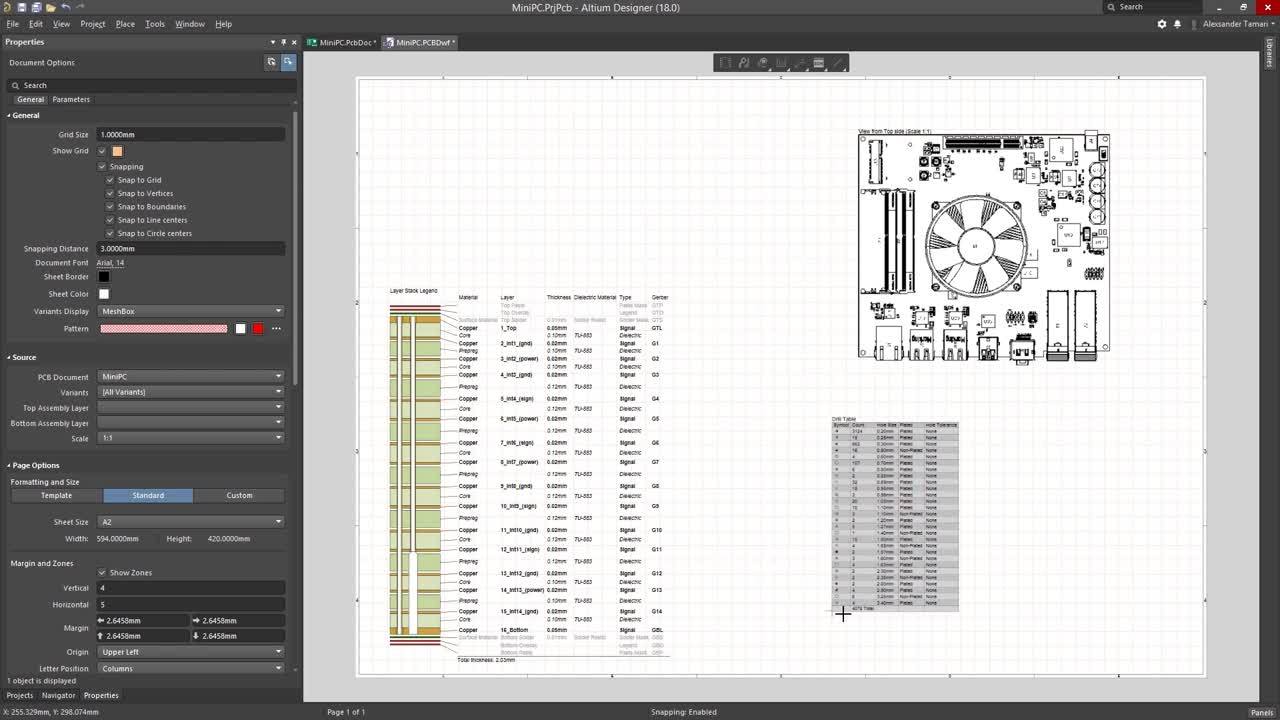
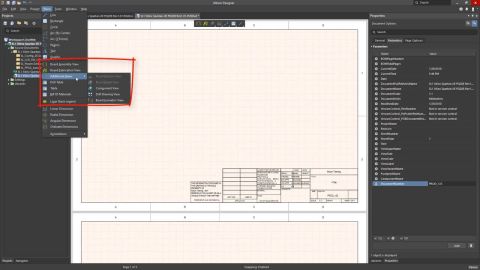
A Draftsman board fabrication view (Place » Board Fabrication View) is an automated graphic composite of the PCB project's unpopulated (bare) board, as viewed from the top or bottom. The drawing data is sourced from a specified physical board layer, and additional layers can be shown as required. Two placed board fabrication views that show the top and bottom layers of the PCB For even greater…
Requirements Portal is an advanced engineering management tool used to ensure specification and performance compliance during system design development. When enabled for your Altium 365 Workspace, Requirements Portal integrates with your PCB design projects through the exchange of design data and formalized Requirements instances. The system requirements, as created in Requirements Portal, can be…
Supported MCAD Software The following MCAD platforms and versions are currently supported: Autodesk Inventor Professional® Autodesk Fusion® (Microsoft Windows version only. Autodesk Fusion Personal license only supported by Altium CircuitMaker) Dassault Systemes SOLIDWORKS® (Standard, Pro & Premium) PTC Creo Parametric® Siemens® NX™ - (for designers with an Altium Enterprise Solution) For details…
Conditional Statements The main conditional statements supported by VBScript are: If...Then For Next Loop Exit For For Each Next Do Loop While...WEnd Select Case Care needs to be taken to code scripts that avoid infinite loops — that is, ensuring that the conditions will eventually be met. The If...Then Statement The syntax is: If Condition Then 'code Else If AnotherCondition Then 'code Else …
Get Started